

TL;DR
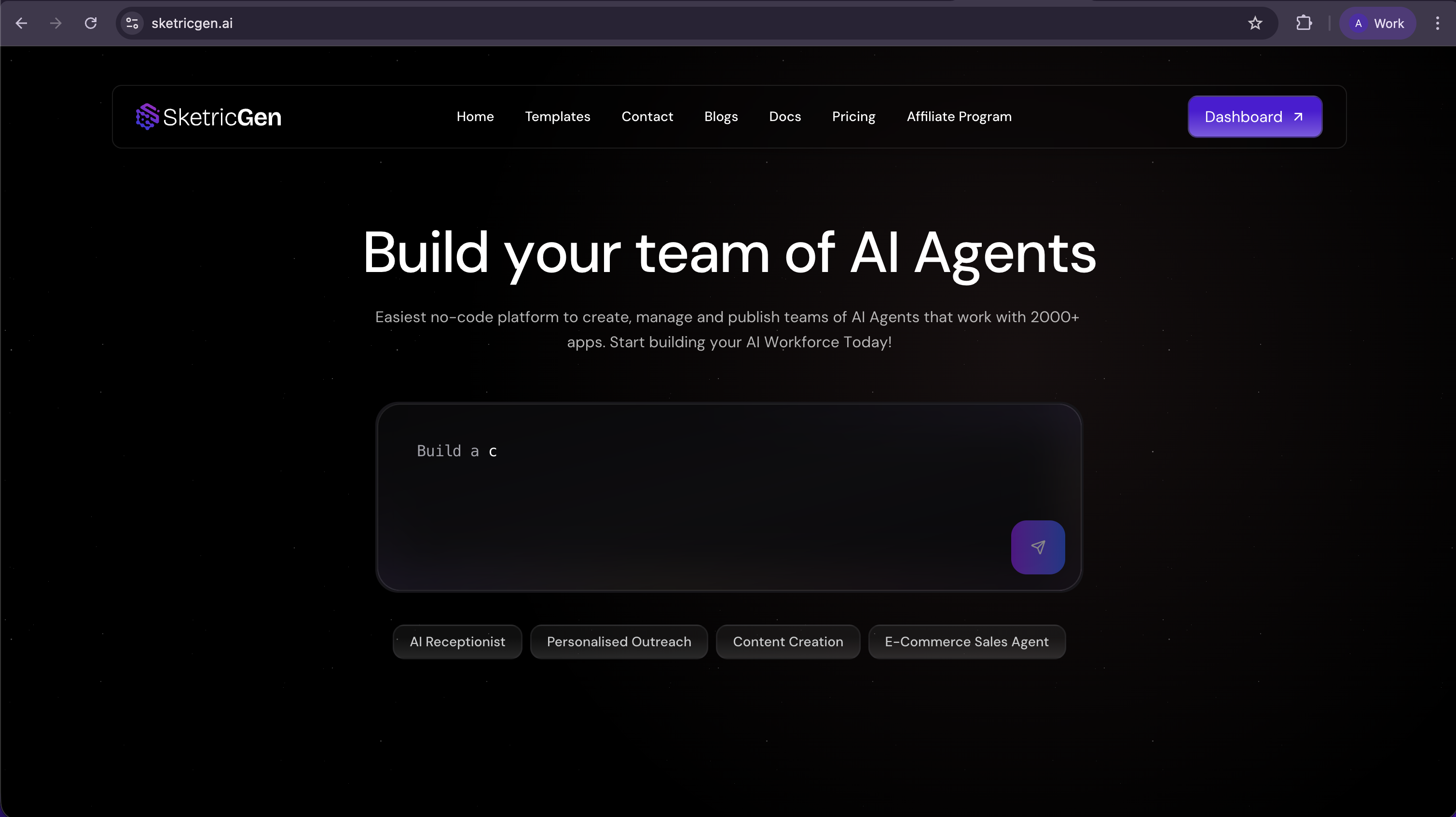
- The landing experience is now integrated into the app with standardized routing and expanded public pages (blog, templates, contact, and more)
- Improved authentication flow for cleaner redirects and more consistent login state
- Flow Editor now supports pan-on-scroll and reduces accidental zooming
- Trigger nodes now show clear schedule badges (including warnings when unpublished/config is missing)
- More reliable integration scheduling and updates so workflows use the right connections and trigger updates are safer
- Better asset downloads with fallback behavior when downloads are blocked
- Stronger API import parsing (handles mixed result formats and nested JSON more reliably)
What’s new
1) Landing + app unified (cleaner navigation and consistency)
We migrated the full landing page experience directly into the application:- Standardized routing so app and landing live in one place
- Expanded public routes: blog, templates, contact, and more
- Unified styling and layout consistency (buttons, grids, animations, hero/CTA behaviors)
2) New authentication flow (better redirects, fewer login weirdness moments)
Authentication got a major reliability upgrade:- Improved login popup behavior and redirect-path handling
- More consistent Google login behavior and state handling
- Simplified auth logic across key surfaces (Dashboard, Templates, and landing components)
3) Smoother workflow editing (pan-on-scroll + better control)
Flow Editor now supports:- Pan-on-scroll navigation for smoother AgentSpace movement
- Reduced accidental zooming by disabling zoom-on-scroll
- Improved interaction consistency for larger workflows
4) Trigger & scheduling clarity (badges that actually tell you what’s wrong)
Trigger nodes now have clearer schedule badge logic:- Schedule triggers show a badge so you can see which nodes are on a schedule
- Warnings appear for unpublished schedule triggers or when configuration is missing
- Published schedules display the configured interval or cron values
5) Integrations & webhooks reliability (fewer broken runs)
Scheduling and trigger integrations are more reliable:- Scheduled webhook processing runs only on active integrations, so stale or inactive connections don’t trigger runs
- Clearer errors when no active integration is available
- Safer trigger updates so you can change trigger integrations without creating duplicates or losing settings
6) Asset handling improvements (downloads that don’t fail silently)
We improved chat asset downloads:- HTTP response validation
- Timestamped filenames (more unique, easier to organize)
- Automatic fallback to open in a new tab if downloads are blocked by CORS/network behavior
7) API import robustness (better parsing, clearer errors)
API import is now more resilient when configs are generated or returned in different formats:- Supports results as string or object
- Better nested JSON parsing (including JSON embedded in a response field)
- Clearer user-facing errors and deeper debug logging
8) Workflow & template enhancements (limits + cleanup messaging)
We improved workflow/template behavior:- Asynchronous cleanup for deleted workflows, with clearer messaging that it’s processing in the background
- Added additional template metadata support (e.g., markdown URL fields)
- Plan-based workflow limit checks with better UI feedback and error handling
Who this release is for
- New users who want a smoother path from public pages into the app experience
- Teams building larger workflows who need faster, more controlled editor navigation
- Anyone using scheduled triggers and wanting clearer schedule status
- Builders relying on connector triggers who want cleaner updates and fewer duplicates
- Users downloading files/assets from chat and needing reliable access
- Teams importing API configs and wanting fewer parsing failures
How to use (quick steps)
Navigate the unified app experience
- Visit public pages (e.g., /templates, /blog)
- Click into the app experience via
/app/ - Use the unified header/CTA navigation to move between discovery and building
Confirm your schedule trigger is configured
- Open your workflow in Flow Editor
- Select the Trigger node
- Check the schedule badge status:
- If it warns about unpublished/config-required, fix it before relying on the schedule
- Publish and confirm interval/cron is displayed
Update a connector trigger without duplicates
- Open your integration/trigger settings
- Update the trigger configuration
- Re-run a test and confirm there are no duplicate integration records and the workflow triggers correctly
Download chat assets reliably
- Open a conversation with assets
- Download the file
- If download is blocked, use the auto “open in new tab” fallback to access it
Hotfixes
Hotfix — Jan 19, 2026
- Improved authentication flow — Streamlined redirect logic for more consistent navigation after login/signup.
- Better theme handling — Updated theme switching for more reliable dark/light mode transitions.
- Category selection fix — Blog categories now default to “All” when no specific match is found, preventing empty views.
- Workflow deletion feedback — Improved success messages and completion handling when deleting workflows.
- Navigation improvements — Fixed navigation behavior in Space Setup Modal for smoother onboarding.
FAQ
Why did the site URLs change (what is/app/)?
Routing was standardized so the landing and app experience feel unified, with consistent navigation and public paths.
How do I know if my schedule trigger will actually run?
Check the schedule badge on the Trigger node—warnings appear if it’s unpublished or missing configuration, and published schedules show interval/cron values.
Will updating my connector trigger create duplicates?
This release improves trigger updates so existing integration records can be updated safely without creating duplicates.
Why are some changes described as “internal”?
Because reliability improvements (integration filtering, parsing, auth checks) reduce failures and edge cases you experience—even if the change is behind the scenes.
What if a file download is blocked in the browser?
SketricGen now falls back to opening the asset in a new tab so it stays accessible.
Get Started
- Try SketricGen: https://www.sketricgen.ai/
- Browse Templates: https://www.sketricgen.ai/template
- Docs: Tools & Integrations: /user-guides/tools
- Docs: Getting Started: /getting-started/quickstart