

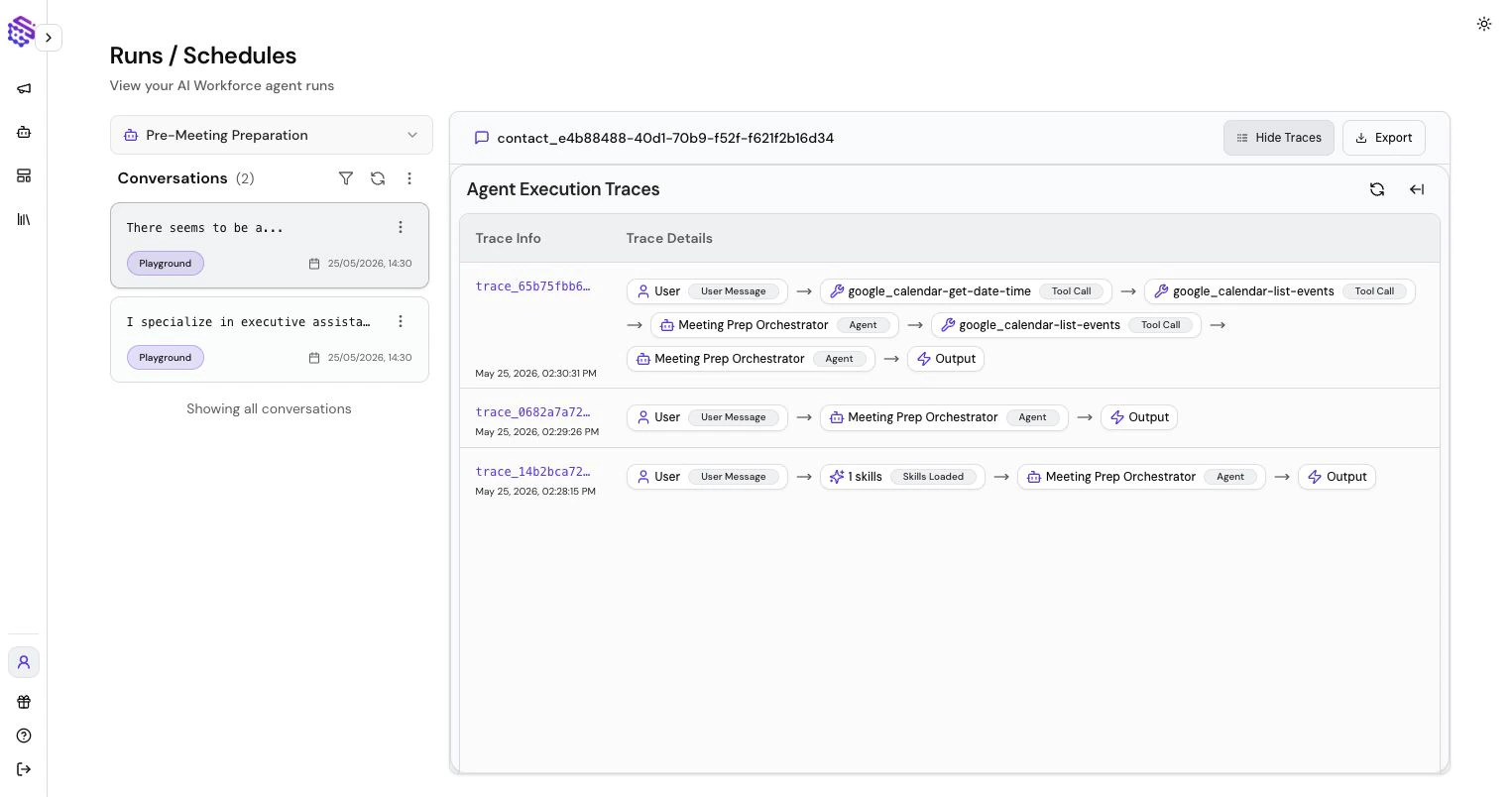
What Traces Show
Traces can show:- Which agent handled the message
- Sub-agent calls
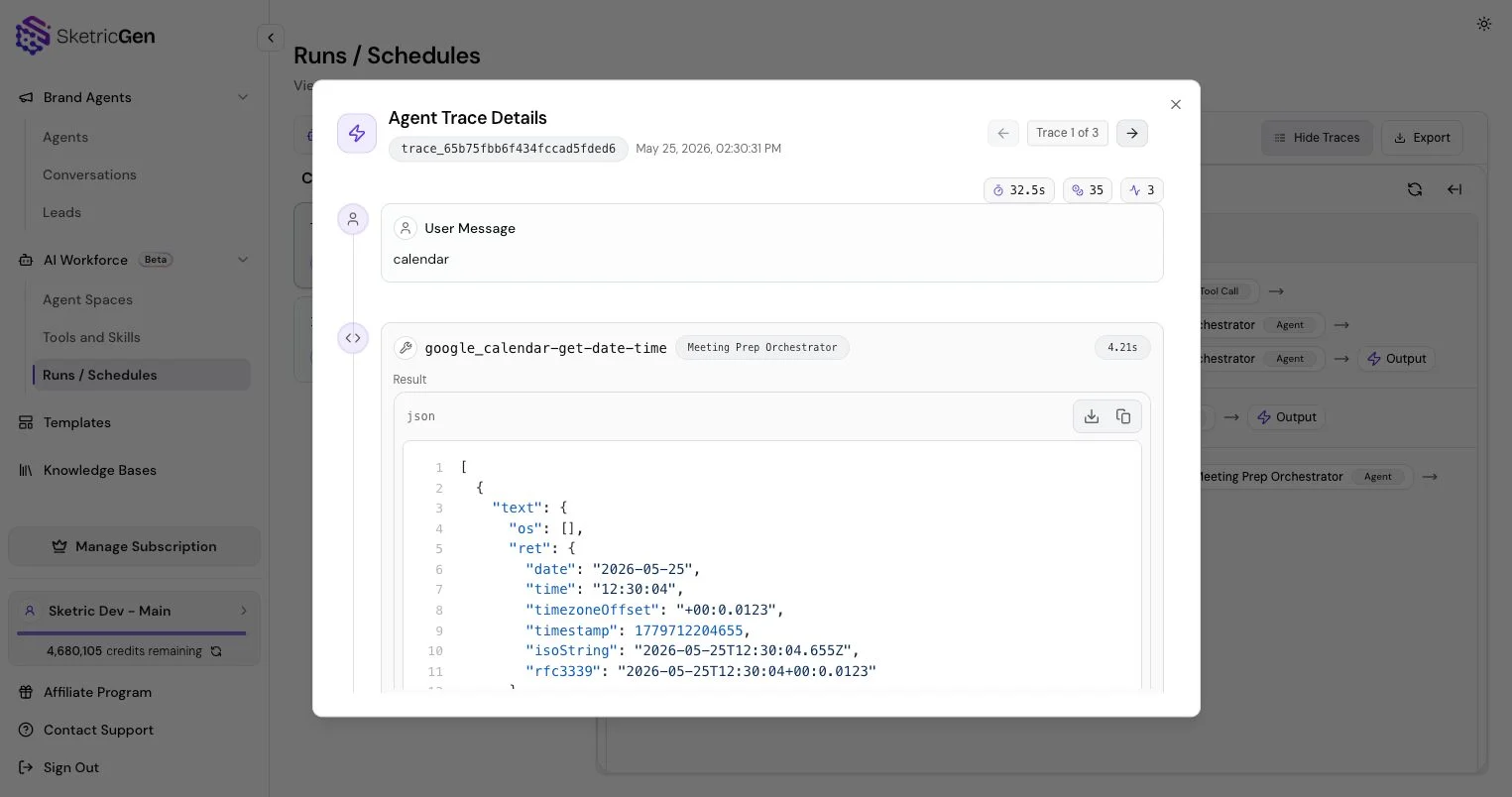
- Tool calls and tool results
- Errors or failed calls
- Latency and duration
- Credit usage
- Structured data
- Generated artifacts or file-related events
Brand Agent Review
For Brand Agents, use traces and conversations to understand why the agent answered a visitor a certain way, whether the Knowledge Base was enough, and whether lead capture or navigation tools fired correctly.AI Workforce Review
For AI Workforce, use traces alongside run files and artifacts. Longer runs may involve planning, multiple tool calls, generated files, connector actions, marketplace skills, and scheduled automation.Optimization Loop
Use this loop:- Run a realistic test.
- Open the trace.
- Identify unclear instructions, slow tools, missing knowledge, or bad routing.
- Update instructions, tools, Knowledge Bases, or model selection.
- Re-run the same test.