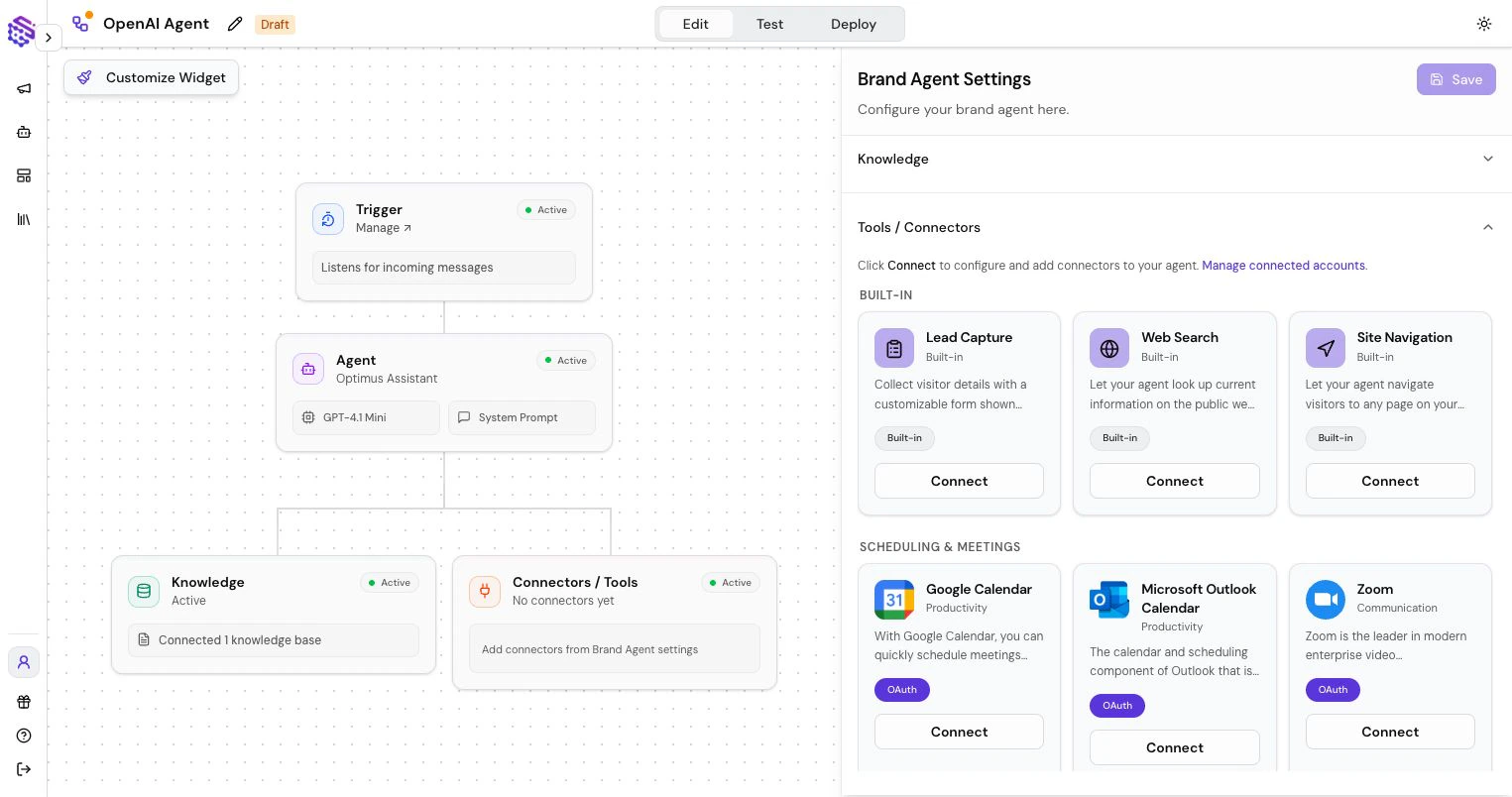
Add safe customer-facing tools to a Brand Agent website chatbot, including lead capture, page navigation, web search, and selected app connector actions.
Brand Agent connectors should be intentionally limited. Public agents should only receive tools that are safe for visitors and useful for the customer experience.For most Brand Agents, the important tools are lead collection, page navigation, web search, and a small set of approved business actions. This is what makes Brand Agents useful as website chatbots for sales, support intake, demo routing, and customer-facing guidance.
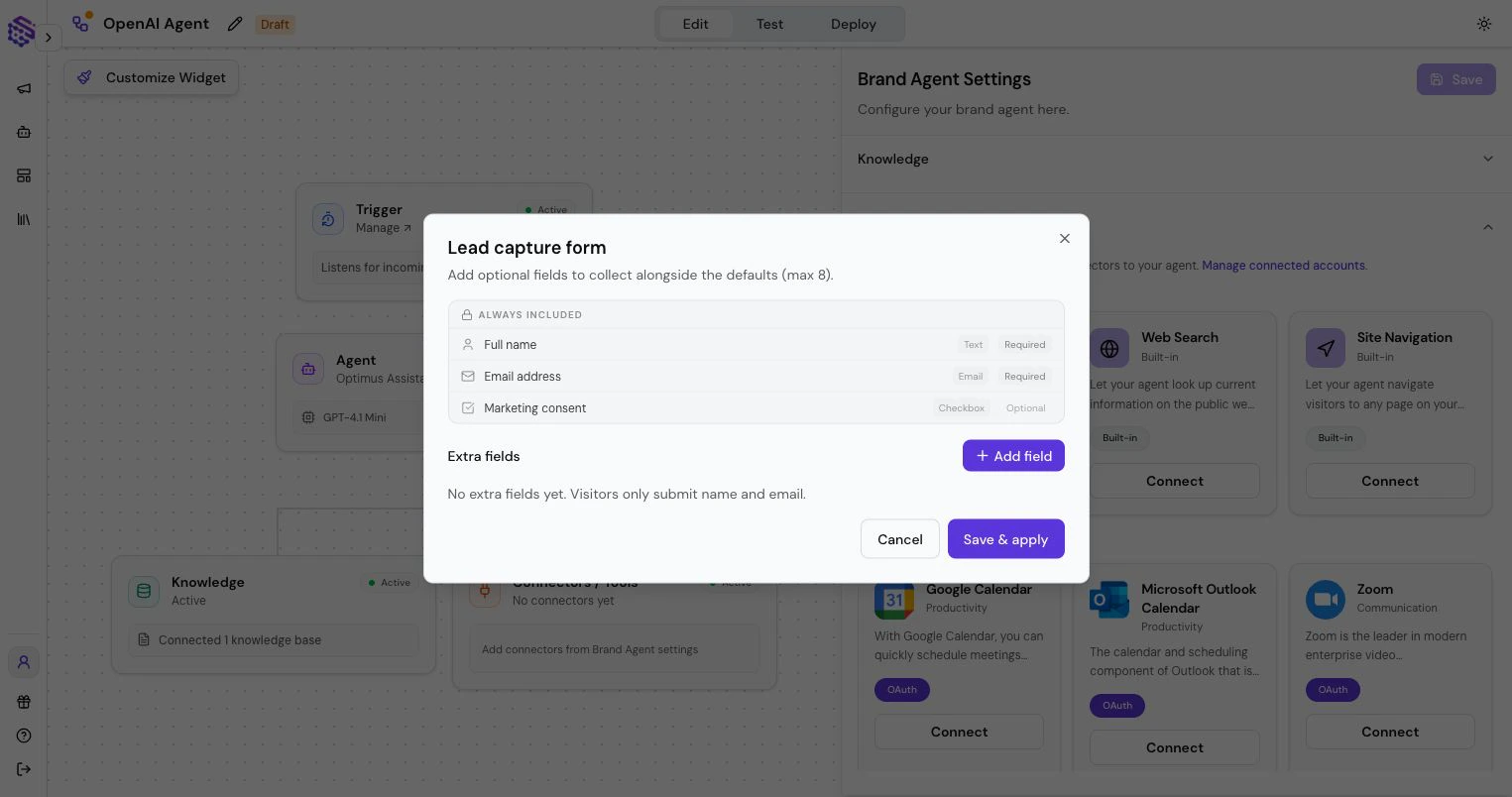
Lead Capture displays a form inside the chat when the agent needs visitor details. Use it for demo requests, sales qualification, contact collection, support intake, or any lead generation chatbot flow where your team needs clean follow-up data.Keep forms short. Ask for the information your team will actually use.
Page Navigation turns your Brand Agent into a conversational search and navigation layer for your website. A visitor can explain what they need in natural language, and the agent can give a personalized answer while directing them to the most relevant page, such as pricing, documentation, booking, product details, or onboarding.Instead of searching through menus or guessing which page contains the answer, visitors get a website copilot that understands their intent and helps them take the next step. Use Page Navigation when the agent should help people discover and move through your site, not only answer questions inside the chat.
Your website becomes easier to explore: the Brand Agent answers the visitor’s specific question and routes them to the right supporting page in the same conversation.
Web Search lets the agent look up current public information when your Knowledge Base is not enough.Use it carefully for customer-facing agents. For brand-critical answers, prefer your own Knowledge Base.
Brand Agents can use selected SketricGen connectors when the use case needs an external action. SketricGen supports 2,000+ connectors, but customer-facing agents should only receive the exact actions that are safe for public use.Typical customer-facing examples include:
Booking and calendar actions
CRM lead creation or updates
Support-ticket intake
Email or notification handoff
Form and spreadsheet submission
Approved ecommerce or order-status lookups
Only select the exact actions the agent should use. A naming mismatch or overly broad permission can give an agent more capability than intended, so review tool access before publishing.