

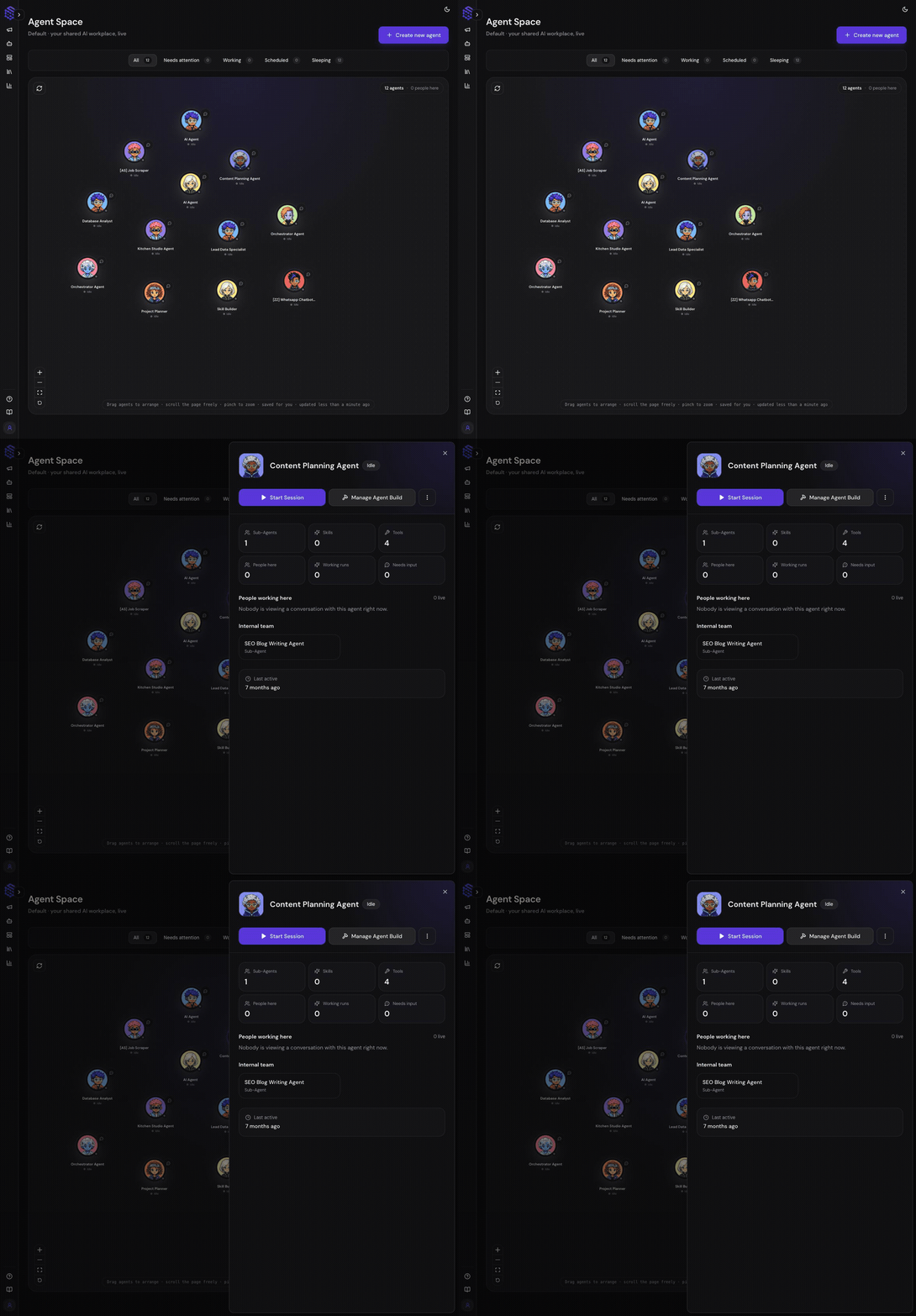
Understand the Agent Space
Each agent appears as a movable card on the Project floor. Your layout is saved for you, so teammates can arrange the same Project differently without changing the agents themselves. Use the filters at the top to focus on operational state:
An agent may display Runtime unavailable when live runtime status cannot be reached. That does not automatically mean the saved Agent Build was deleted.
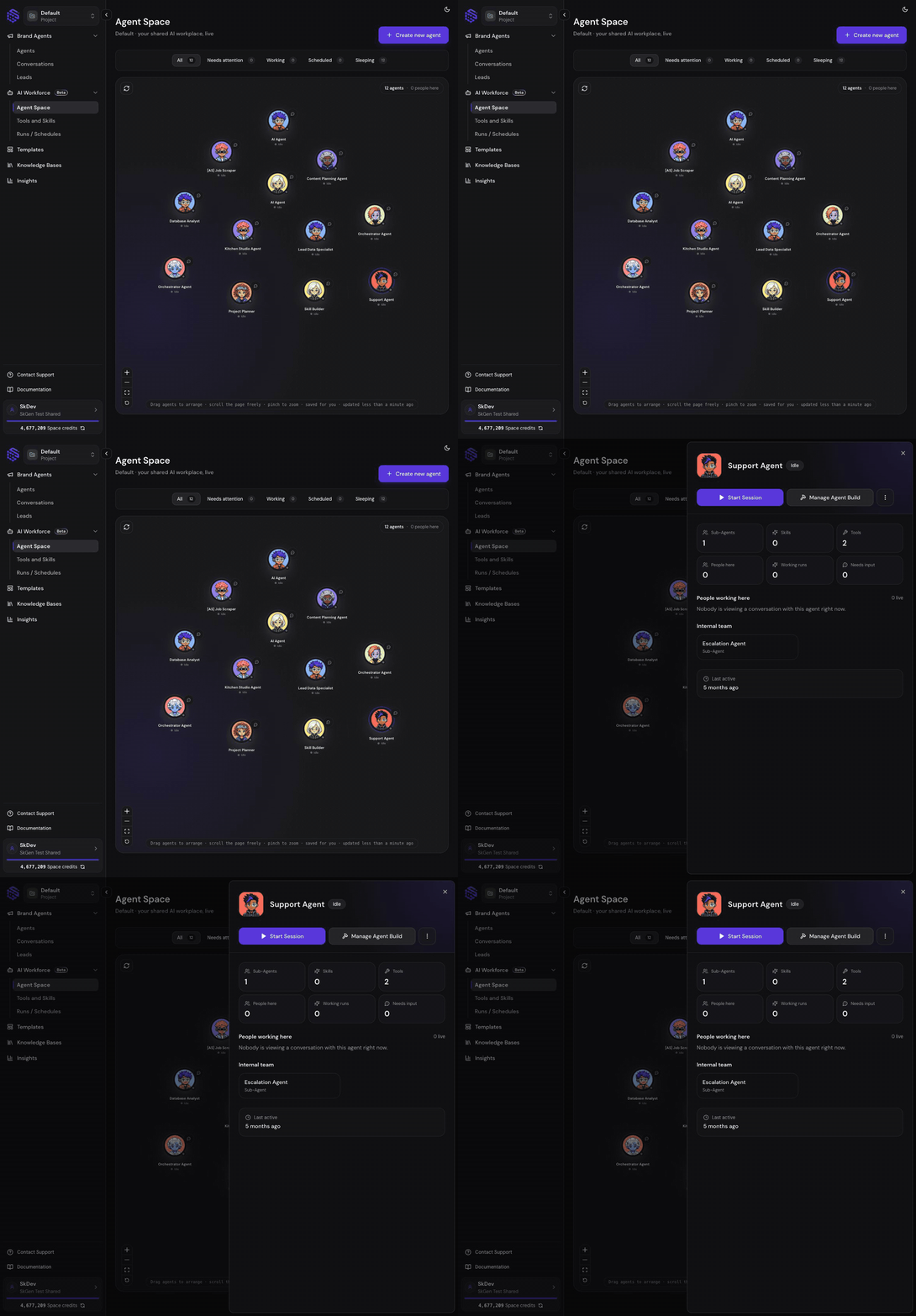
Open Agent Details
Select an agent to open its operational details.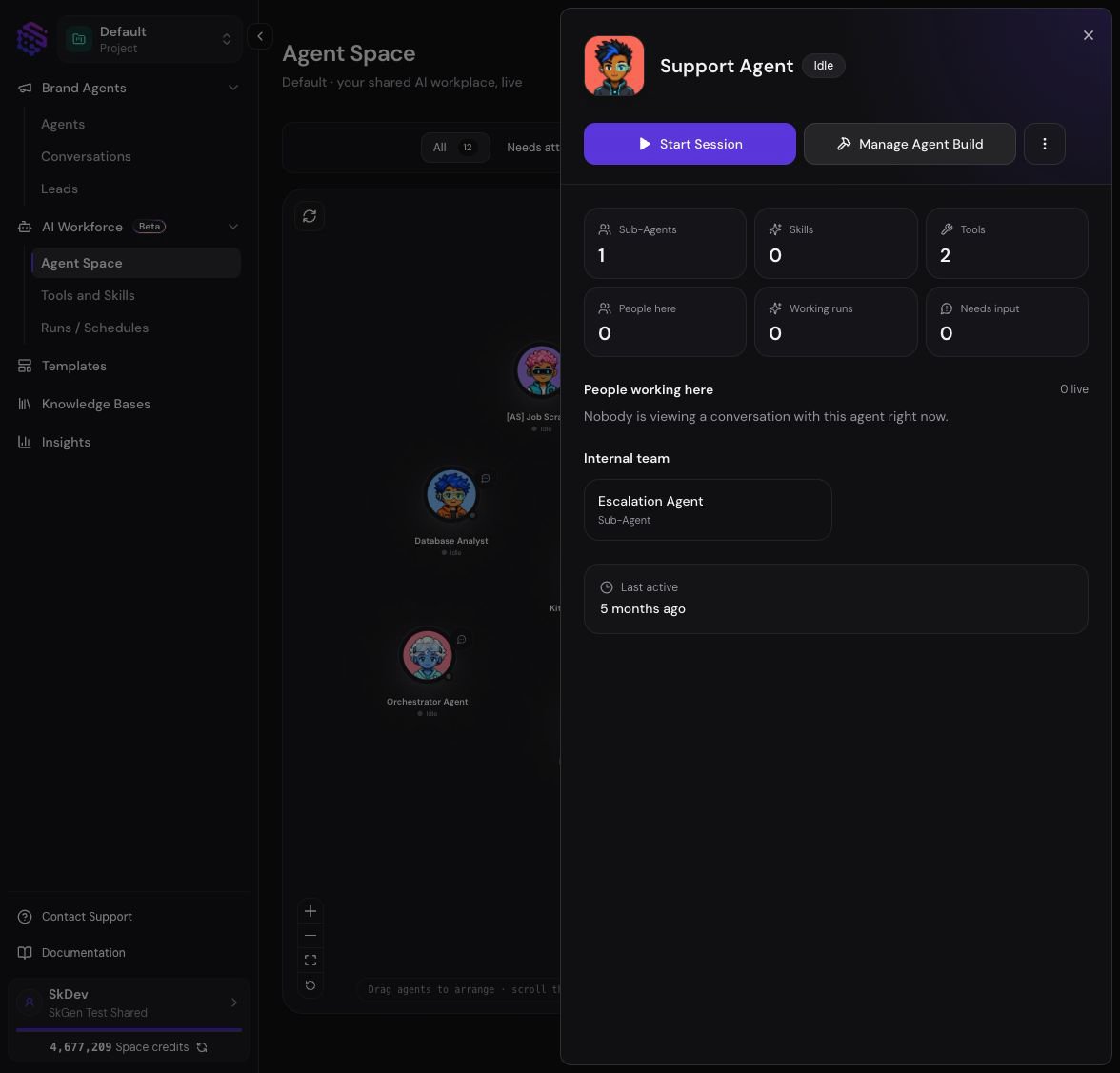
- Current operational status
- Number of sub-agents, skills, and tools
- People currently working with the agent
- Active runs
- Requests waiting for human input
- The agent’s internal sub-agent team
- Last activity
- Deployed schedules and automations
Work With Agents and Teammates
Agent Space combines agent activity with human presence:- A teammate avatar means that person is viewing or working in a conversation with the agent.
- Quick message opens a lightweight conversation entry point from the Project floor.
- Selecting a teammate shows which agents and live runs they are working with.
- Presence is informational; it does not grant additional Project permissions.
Respond to “Needs attention”
An agent enters Needs attention when a run pauses for a human-input request. Open the agent, select the waiting request, and continue in the associated Playground conversation. Human input can be a choice, clarification, confirmation, or approval. The run stays paused until an allowed user responds or cancels it.Create or Configure an Agent
Select Create new agent to start a new Agent Build or choose a template. Creating an agent adds it to the selected Project and Agent Space. Use Manage Agent Build when you need to change:- Main-agent or sub-agent instructions
- Model selection
- Tools and connected apps
- Skills
- Knowledge access
- Agent handoffs
- Draft and published configuration
Capability Facts
- Product surface: Agent Space
- Purpose: monitor and enter work across all agents in a Project
- Scope: selected Teamspace and Project
- Shows: agents, status, schedules, active runs, pending human input, and live collaborators
- Does not edit: instructions, models, tools, skills, or the agent graph
- Layout behavior: agent positions and viewport are saved per user
- Primary actions: create an agent, start a session, quick message, open a request, or manage Agent Build
- Related surface: Agent Build