

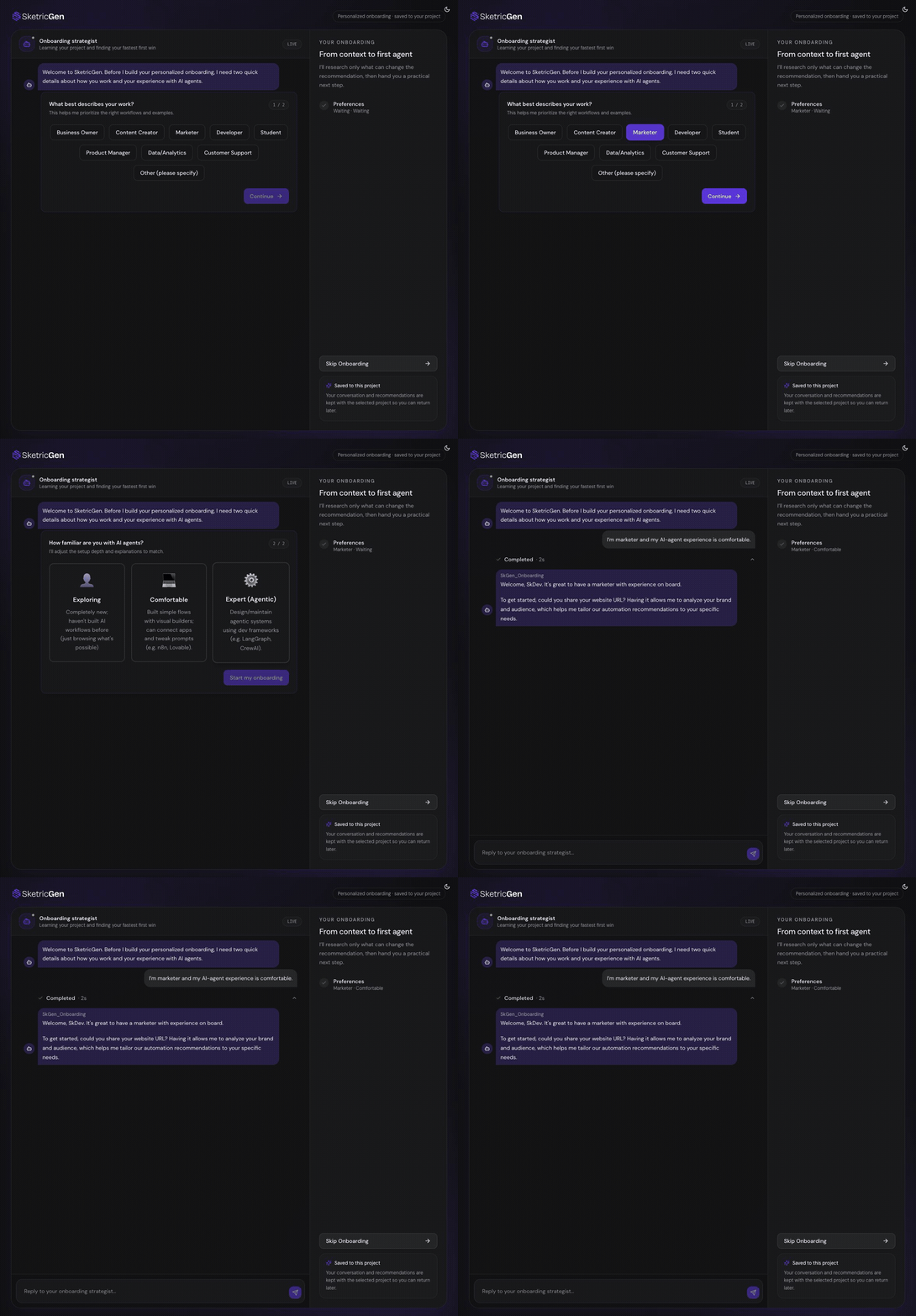
What Adaptive Onboarding Does
Adaptive Onboarding can:- Use your role and AI-agent experience to adjust its explanations.
- Review public information from a website you provide.
- Identify likely business, website, marketing, or automation bottlenecks.
- Research market or growth signals when that evidence can change the recommendation.
- Recommend live SketricGen templates that match your goal.
- Offer to start Brand Agent setup while the onboarding conversation continues.
- Save the conversation and recommendations to the selected Project so you can return later.
Complete Adaptive Onboarding
- Select the role that best matches your work.
- Select how comfortable you are with AI agents.
- Start the onboarding conversation.
- Provide your website URL, or describe your business without a URL.
- Explain the first problem you want an agent to solve.
- Review the strategist’s observations and recommendations.
- Choose whether to start a Brand Agent, open a recommended template, or continue to Agent Space.
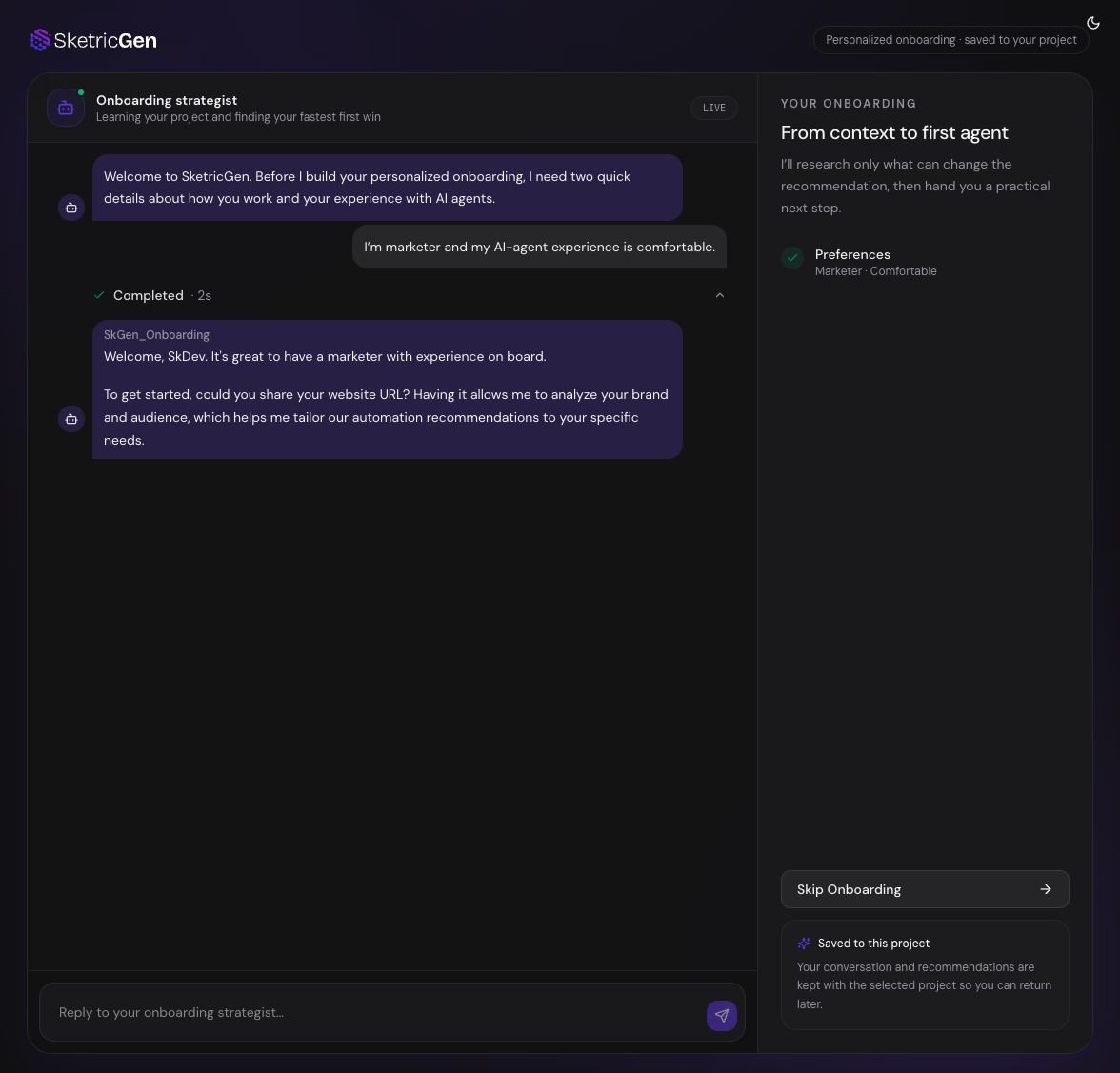
Website and Growth Research
When a website is available, the onboarding strategist may inspect:- Public products, services, positioning, audience, and brand language
- Website structure and visible conversion paths
- Public performance or technical signals when available
- Public search, competitor, and market evidence when relevant
- Live SketricGen templates that match the identified need
Adaptive Onboarding does not automatically gain access to private analytics, CRM data, advertising accounts, or internal documents. Website onboarding starts with the public information you provide.
Brand Agent Setup in Parallel
If a website is available, the strategist can offer to start a website-trained Brand Agent. A Brand Agent can learn the website and brand, answer visitor questions, guide visitors to useful pages, and capture leads. Brand Agent setup does not start without your choice. When you select Create Brand Agent, setup opens separately and the onboarding conversation stays available. You can continue discussing your goals while the Brand Agent is prepared. See Create a Brand Agent for the complete setup and review process.Project Storage and Control
The onboarding conversation is scoped to the selected Teamspace and Project. This means:- Switching Projects changes which onboarding state is loaded.
- You can leave and later return to the same Project’s onboarding conversation.
- Skipping onboarding does not delete the saved conversation.
- Recommended templates and Brand Agent actions remain choices; they are not executed automatically.
Troubleshooting
”We couldn’t prepare your onboarding”
SketricGen could not load your Teamspace, Project, or saved onboarding state. Select Try again. If the problem continues, select Skip Onboarding and open Agent Space, then contact support.”Project storage is temporarily unavailable.”
The strategist may have finished, but the latest conversation state could not be saved. Keep the page open and retry when the storage message clears. Do not restart the onboarding in another Project.The website cannot be analyzed
Check that the URL is public and accessible without a login. You can continue without it by describing what you sell, your audience, and your main geography.Capability Facts
- Product surface: Adaptive Onboarding
- Primary input: role, AI-agent experience, optional website, and business goal
- Outputs: visible recommendations, optional research report, template suggestions, and optional Brand Agent setup
- Can use: public website analysis, public research, market signals, and the live template catalog
- Cannot access by default: private analytics, internal files, advertising accounts, or CRM data
- User control: the user chooses whether to start a Brand Agent, use a template, skip onboarding, or open Agent Space
- Storage scope: selected Teamspace, Project, and user
- Next step: Open Agent Space or create a Brand Agent