

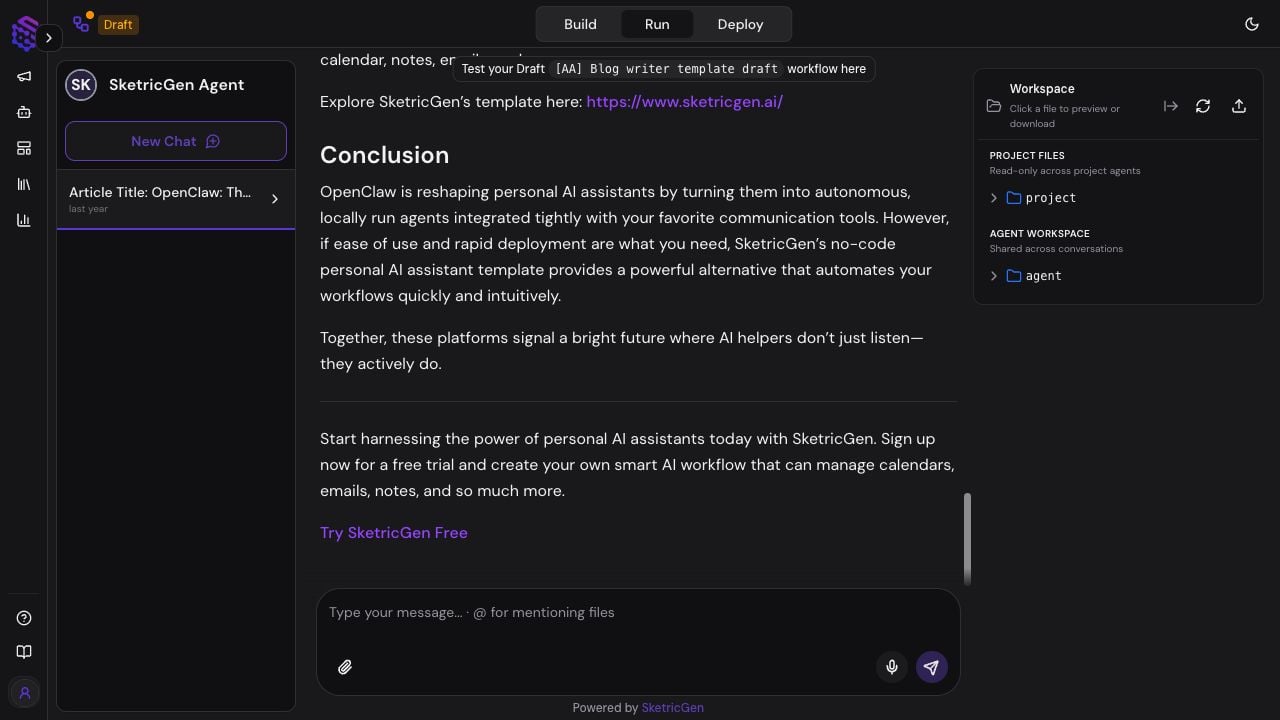
Start a Test Conversation
- Open an agent from Agent Space.
- Select Start Session, or open Agent Build and select Run.
- Confirm whether the header says you are testing the Draft or published workflow.
- Select New Chat for a clean conversation.
- Enter a realistic prompt that requires the behavior you want to verify.
- Review the response, live activity, files, and trace before changing the Agent Build.
Conversations
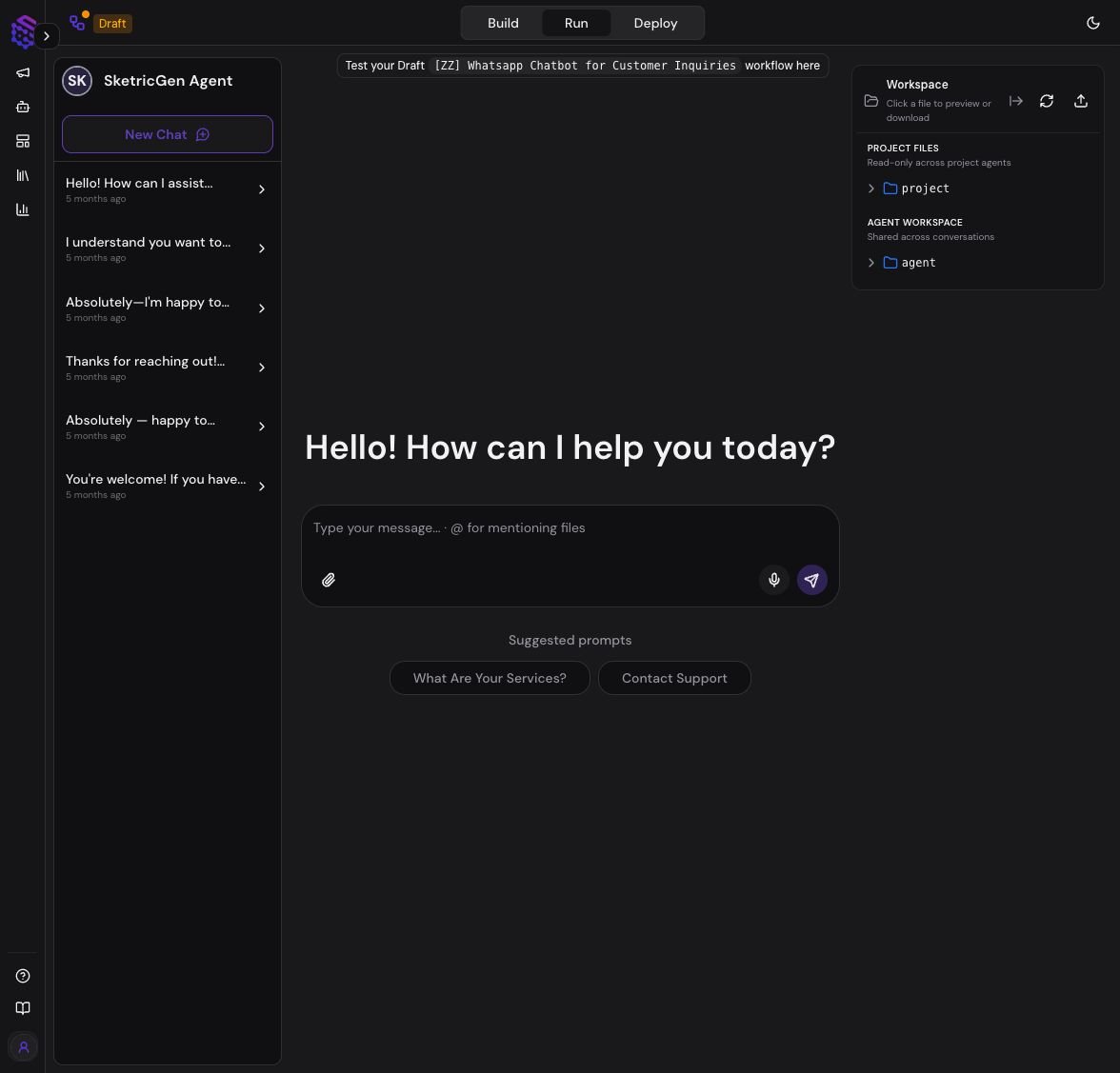
The left panel lists conversations for the current agent. Conversations started from Playground, Agent Space, or a schedule can appear in the same signed-in history. Use a new conversation when you want to test without relying on earlier chat context. Reopen an existing conversation when the agent should continue work with that history. Conversation visibility can depend on Project membership and whether the conversation or automation is shared or private. A visible conversation does not grant permission to change the Agent Build.Prompt and File Input
The composer supports:- Text instructions
- File attachments
- Voice input when available in the browser
- File mentions using
@ - Suggested prompts defined for the agent
Workspace files and artifacts
Playground gives you quick access to files used by the current conversation or run. The Files experience is the management surface and separates files by scope:
- Project files: files shared with every agent and conversation in the selected Project.
- Agent files: files shared across all conversations for the current agent.
- Conversation files: files created or used for a specific conversation or run. They remain private to that conversation and are removed 30 days after the last write.
Live Activity and Human Input
During a run, Playground can show agent activity such as model work, tool calls, sub-agent delegation, and generated files. A longer task may continue after the first visible step. When an agent requests human input, the run pauses. The request may ask you to:- Choose one of several options
- Provide missing information
- Confirm a proposed action
- Approve or reject a sensitive external step
- Enter a custom response
Inspect and Improve
If the result is wrong or incomplete:- Open the trace for the run.
- Check which agent handled the request.
- Review tools, sub-agent calls, errors, latency, and credit usage.
- Check the files and evidence used by the agent.
- Change one part of the Agent Build.
- Repeat the same test in a new conversation.
Capability Facts
- Product surface: Playground, shown as the Run tab in Agent Build
- Purpose: test and work with an agent through conversations
- Inputs: text, supported files, voice input, and human-input responses
- Outputs: messages, tool activity, traces, and workspace artifacts
- Conversation sources: Playground, Agent Space, and scheduled runs
- Human control: a run can pause for a choice, clarification, confirmation, or approval
- File scopes: Project, agent, and conversation/run workspace
- Configuration source: current draft or published Agent Build, as shown in the header